
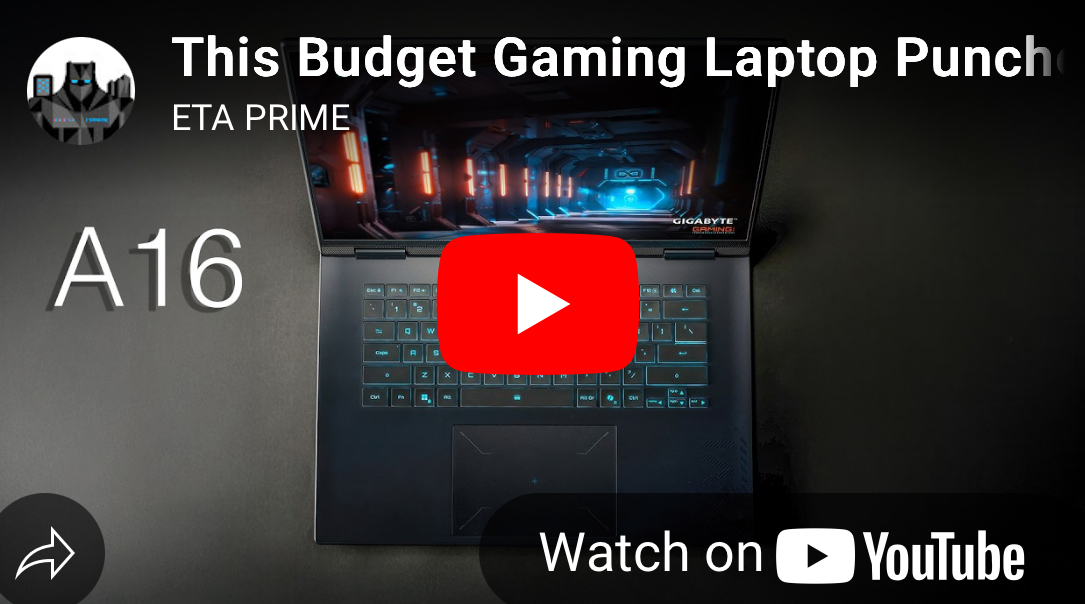
Hey everyone, I’m thrilled to dive into something pretty cool today—the Gigabyte Gaming A16. If you’re on the hunt for a gaming laptop that won’t break the bank but still packs a punch, stick with me. In this blog post, I’m breaking down everything you need to know about this affordable gaming machine, from its specs to real-world gaming performance. Let’s see if this laptop is the hidden gem you’ve been looking for! Unboxing the Gigabyte Gaming A16: A Budget Gaming Laptop That Surprises!
First Impressions: Affordable and Minimalist Design
Right out of the box, the Gigabyte Gaming A16 screams practicality. It’s not loaded with flashy RGB lights or over-the-top features, and honestly, that’s okay. This laptop is all about being a solid, no-frills option for gamers on a budget. I was pleasantly surprised by how it balances affordability with decent performance, making it a great pick for casual gamers or anyone who just wants a reliable machine without the hefty price tag.
Speaking of design, it’s got a sleek, thin profile for a gaming laptop, which means it slips easily into a backpack. The 16-inch IPS display comes with a 1920×1200 resolution and a smooth 165Hz refresh rate—perfect for immersive gaming. Though, I’ll admit, the brightness could be better for outdoor use. The keyboard feels nice to type on, even if the single-zone blue backlight isn’t customizable, and the large trackpad is a nice bonus for everyday tasks.
Under the Hood: Specs That Hold Their Own
Now, let’s pop the hood and talk specs. The Gigabyte Gaming A16 is powered by an Intel Core i7-13620H processor, rocking 10 cores and 16 threads with speeds up to 4.9 GHz. Pair that with 16GB of DDR5 RAM (upgradeable to 64GB, by the way) and an NVIDIA GeForce RTX 4050 GPU with 6GB of GDDR6, and you’ve got a setup that’s ready to tackle modern games at reasonable settings. Plus, with two M.2 slots for storage (up to 4TB total), you’ve got plenty of room to grow.
What’s cool is how easy it is to upgrade. Pop off the back, and you can swap in more RAM or add another SSD. It comes with a 512GB drive out of the box, which is decent, but having that expandability is a big win for me. Connectivity-wise, it’s got Wi-Fi 6, Bluetooth 5.2, and a good mix of ports like HDMI 2.1 and USB Type-C (though it doesn’t support charging via USB-C, which is a bummer).
Gaming Performance: Does It Deliver?
Alright, let’s get to the fun part—gaming! I put this laptop through its paces with some popular titles at its native 1200p resolution, and I’ve got to say, it held up better than I expected for the price. In Cyberpunk 2077 on high settings with FSR balanced, it sometimes dipped below 60 FPS, but turning on NVIDIA’s frame generation pushed it over 100 FPS—pretty impressive! Forza Horizon 5 ran like a dream at ultra settings, averaging over 120 FPS without any tweaks.
However, more demanding games like Spider-Man 2 needed some help. With frame generation on high settings, I got over 80 FPS, but you might need to drop to lower settings for smoother play. Marvel Rivals also required dialing back to medium settings for playable frame rates. So, while it’s not a 4K gaming beast, it’s a solid performer at 1200p, especially with tech like FSR and frame generation.
Software and Customization: Fine-Tuning Your Experience
Moving on to software, Gigabyte’s Gmate tool lets you tweak performance modes like gaming, balanced, or power-saving. I tested everything in gaming mode, and there’s even a “turbo” fan setting if you’re okay with some extra noise. For most of my sessions, I stuck with “performance” mode for a good balance of cooling and quiet. There’s also room to overclock the GPU with tools like MSI Afterburner, though I kept things stock for a fair baseline.
Final Thoughts: Is the Gigabyte Gaming A16 Worth It?
So, wrapping this up, is the Gigabyte Gaming A16 worth your hard-earned cash? If you’re a budget-conscious gamer looking for a laptop that handles 1200p gaming with ease, I’d say yes. It’s not going to compete with high-end rigs, but it exceeded my expectations for the price point. With upgrade options for RAM and storage, plus solid performance in modern titles (with a few tweaks), it’s a fantastic entry into PC gaming.
I’m planning to spend more time with it for everyday tasks, so stay tuned for updates. Got questions or want me to test something specific? Drop a comment below—I’d love to hear from you! If you’re ready to check it out, grab one through the links in the original video description. Thanks for reading, and I’ll catch you in the next post!
SEO Keywords: Budget Gaming Laptop, Gigabyte Gaming A16 Review, Affordable Gaming Laptop 2025, RTX 4050 Gaming Performance, Best Budget Laptop for Gaming, Gigabyte A16 Specs, Gaming Laptop Under $1000
Meta Description: Looking for a budget gaming laptop? Check out my in-depth review of the Gigabyte Gaming A16 with RTX 4050. Affordable, upgradeable, and
Unboxing the Gigabyte Gaming A16: A Budget Gaming Laptop That Surprises!
